




If your Mac runs out of start up disk space, it pauses applications so that it can still run. If you have unsaved work, Force quitting these applications is not an option you want to take.
Once you have cleared some files and have at least 1.5gb free, to un-pause the application follow these steps:
Once you have cleared some files and have at least 1.5gb free, to un-pause the application follow these steps:
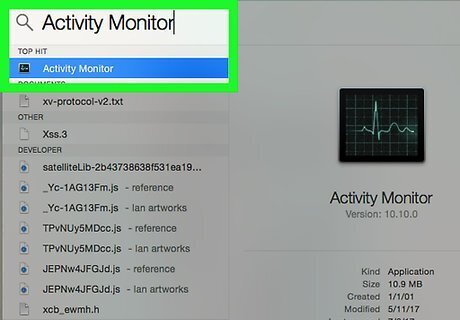
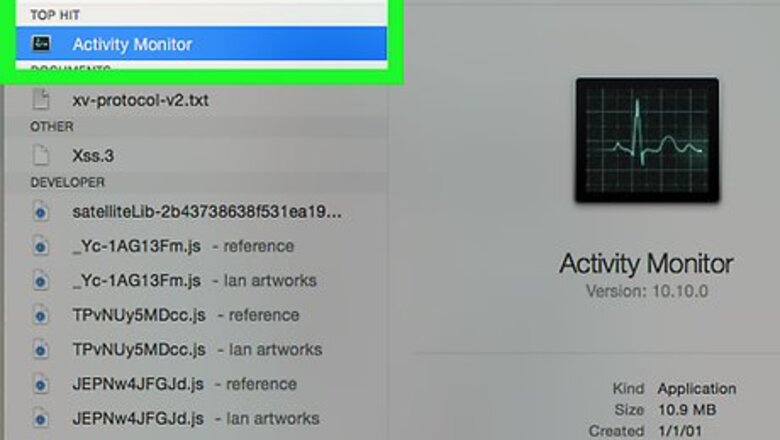
In the search bar, search for the application called "Activity Monitor" and open it. Make sure the application that you need to un-pause is listed.
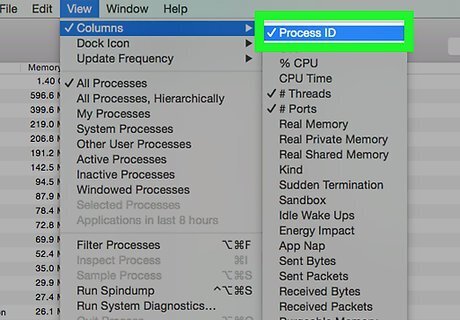
Go "View > Columns > Process ID". This will bring up a new column called PID that has numbers in it.
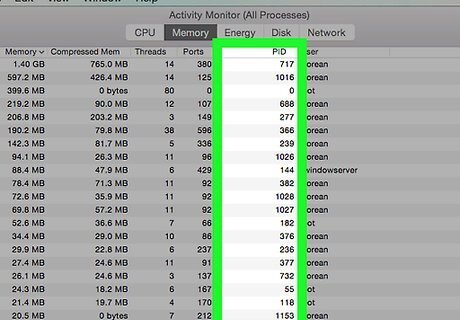
Find the number listed in the PID column, of the application you need to unpause.
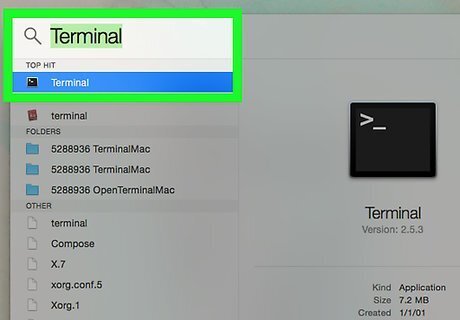
In the search bar, search for the application "Terminal" and open it.
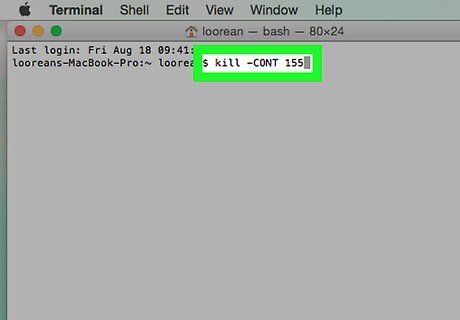
In the text area of Terminal type the code "kill -CONT 155". Replacing the '155' with the PID number of the application you want to un-pause.
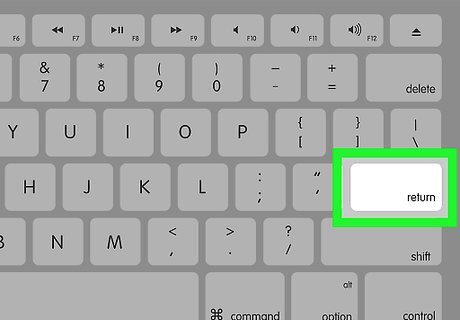
Press the enter key and wait for the application to start responding again, this could take a couple of seconds.









Comments
0 comment