




Using a Computer
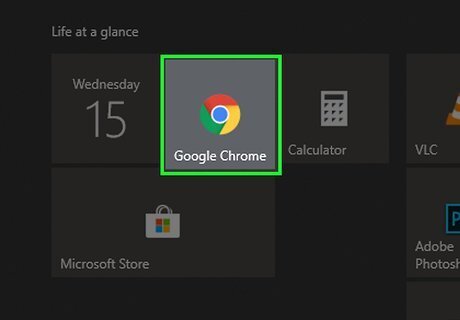
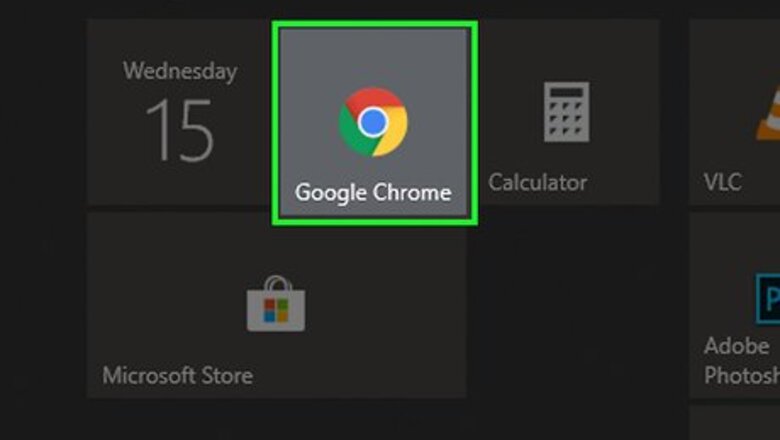
Open a browser. This includes Safari, Chrome, Firefox, and Opera.
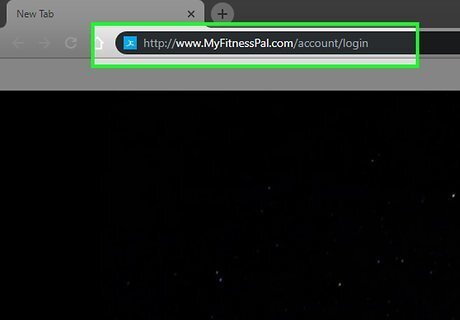
Navigate to http://www.MyFitnessPal.com/account/login.
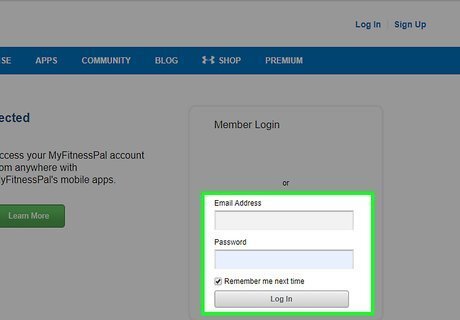
Enter in your MyFitnessPal account information.
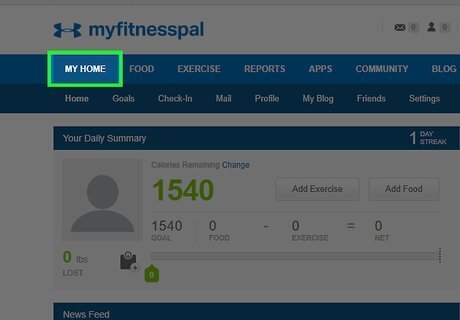
Click My Home. This a long menu across the top of the screen.
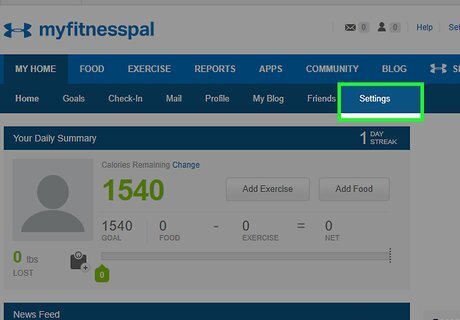
Click Settings. This menu appears when you navigate to My Home.
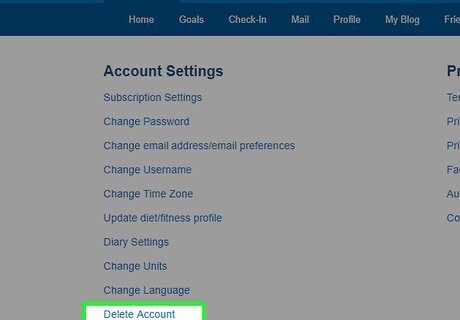
Click Delete Account. This is at the bottom of the Account Settings menu.
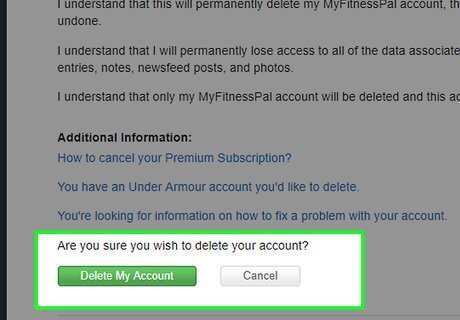
Follow the on-screen prompts to confirm. Once your account is deleted, you'll be signed out of MyFitnessPal.com.
Using the Mobile App
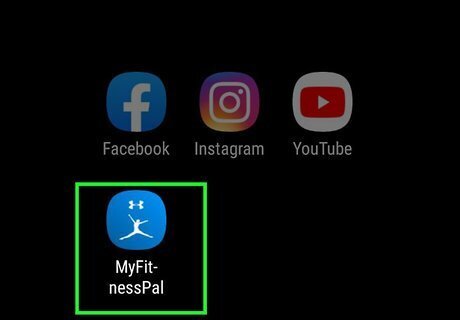
Open the MyFitnessPal app. This looks like a blue square with a white figure inside. You can find this app on your home screen, in the app drawer, or by searching.
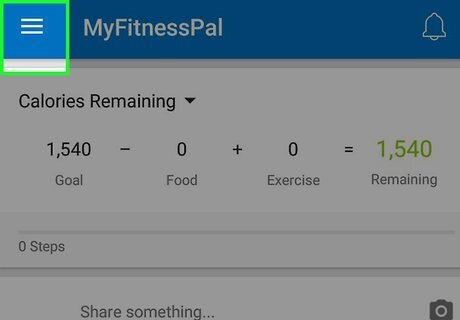
Tap ☰. This button is located at the top left. A menu of options will slide out from the side. If you're using an iPhone or iPad, tap More at the bottom-right area of your screen.
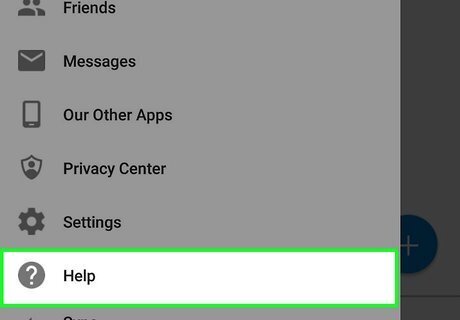
Tap Help.
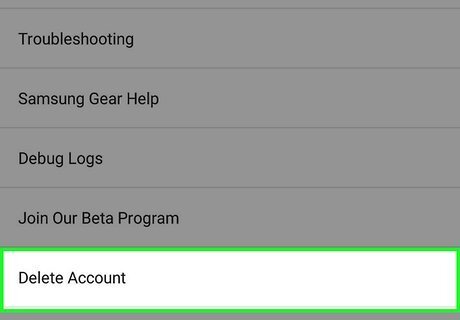
Tap Delete Account.
Follow the on-screen prompts to confirm. Once your account is deleted, you'll be signed out of the app.












Comments
0 comment